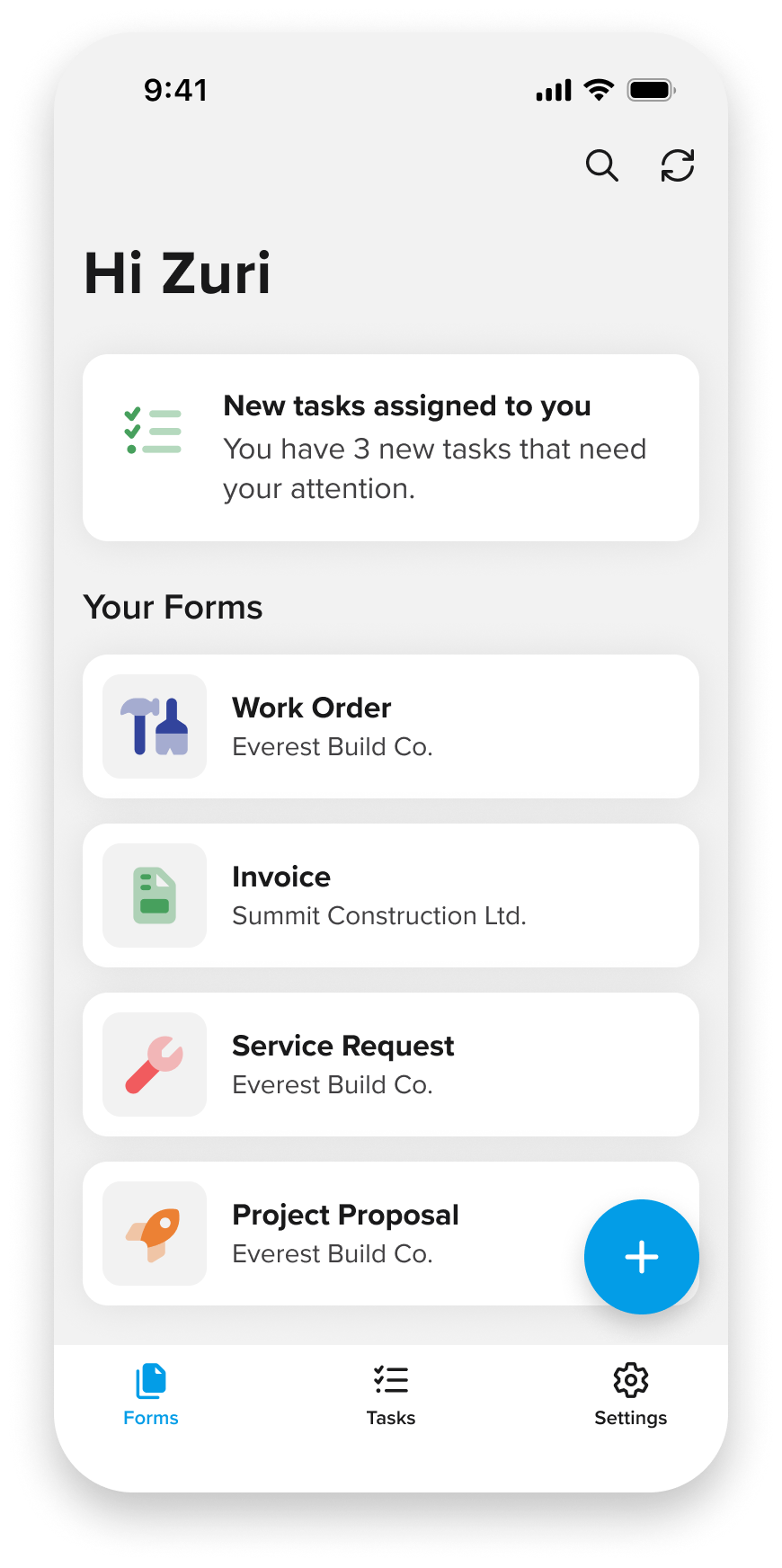
GoCanvas enables organizations to digitize paper forms and streamline operational workflows across desktop and mobile. Teams can create custom forms, collect data in real time, and manage work from the office or on the go, reducing manual processes and improving data quality.
Challenge
Modernizing the Mobile Experience
The mobile experience wasn’t fully supporting how users completed work on the go. While mobile had become an essential part of daily workflows, key capabilities remained limited. This created an opportunity to modernize the experience to align with the new GoCanvas brand, bring form creation and editing to mobile, and improve essential tools like maps and barcode scanning so users could complete tasks more efficiently and confidently.
Process and key insights
What we learned
Research combined field observations with insights from a dedicated UX research team, providing a clear understanding of how customers used GoCanvas in their daily workflows and where the mobile experience fell short.
Desktop-first experience Core workflows were primarily designed for desktop, limiting what users could accomplish on mobile. There was an opportunity to bring more everyday tasks to their phones.
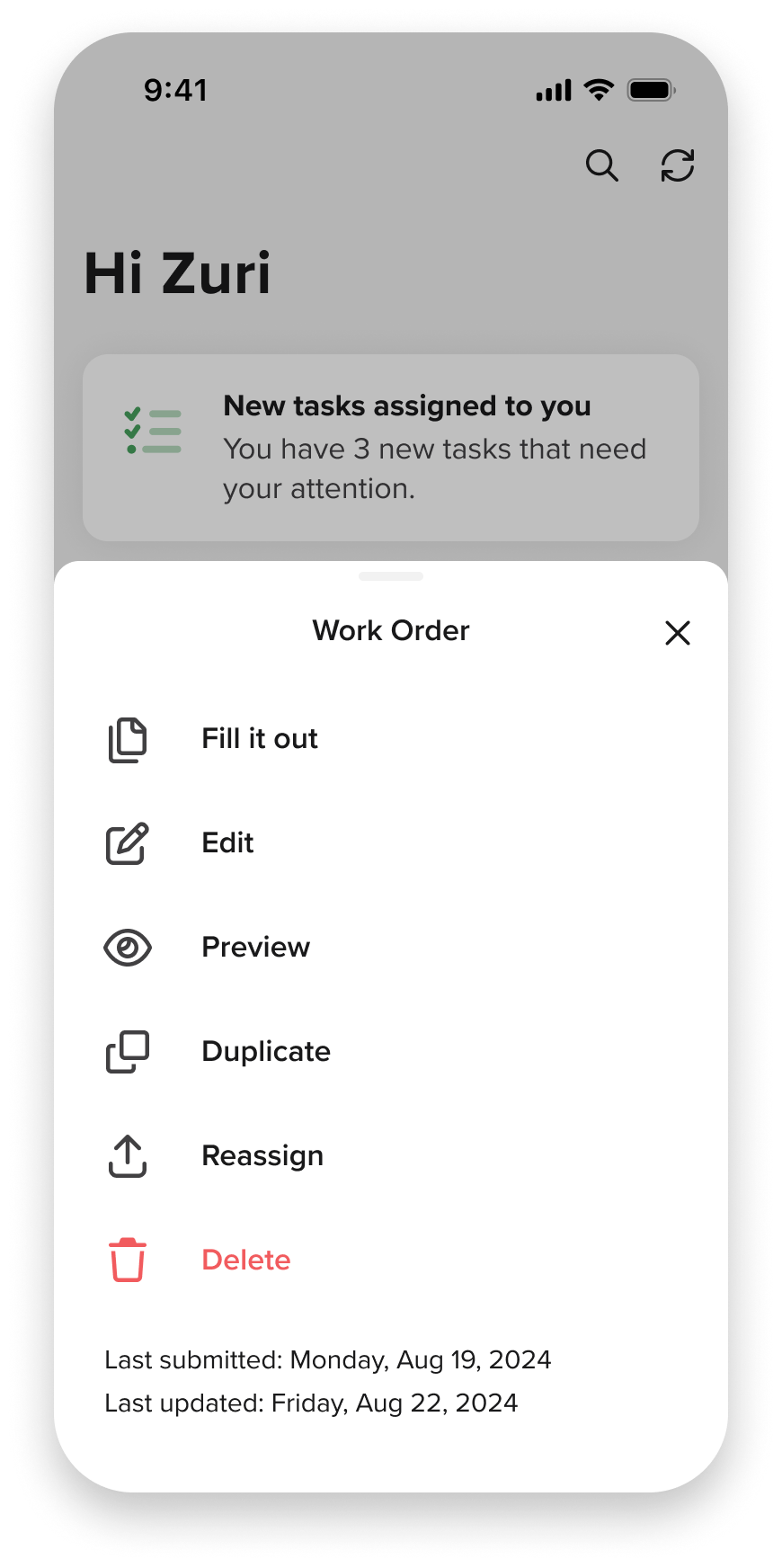
Common edits happened on the go Users frequently needed to make quick updates after forms were created. Existing editing workflows required too many steps for common changes.
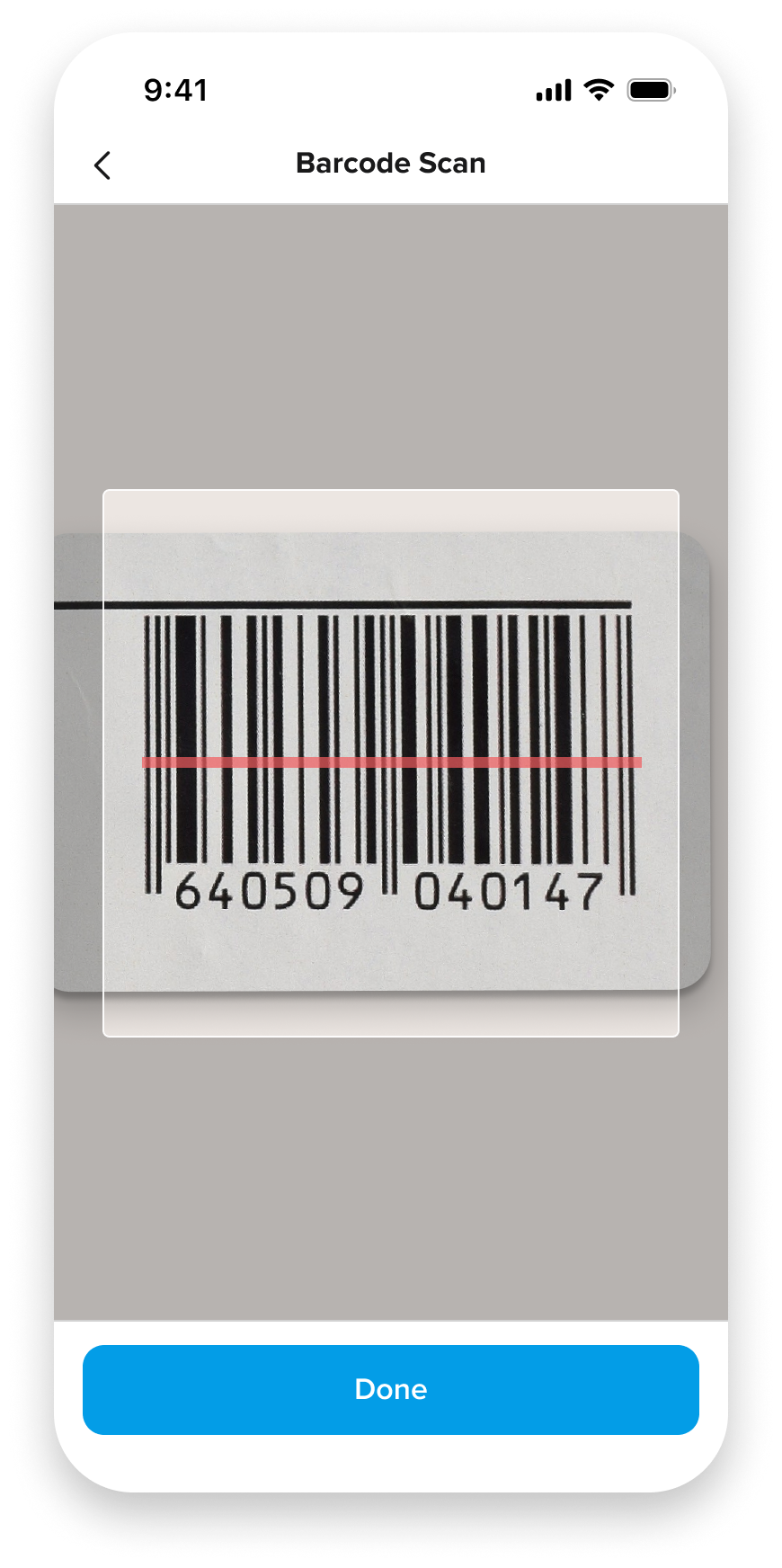
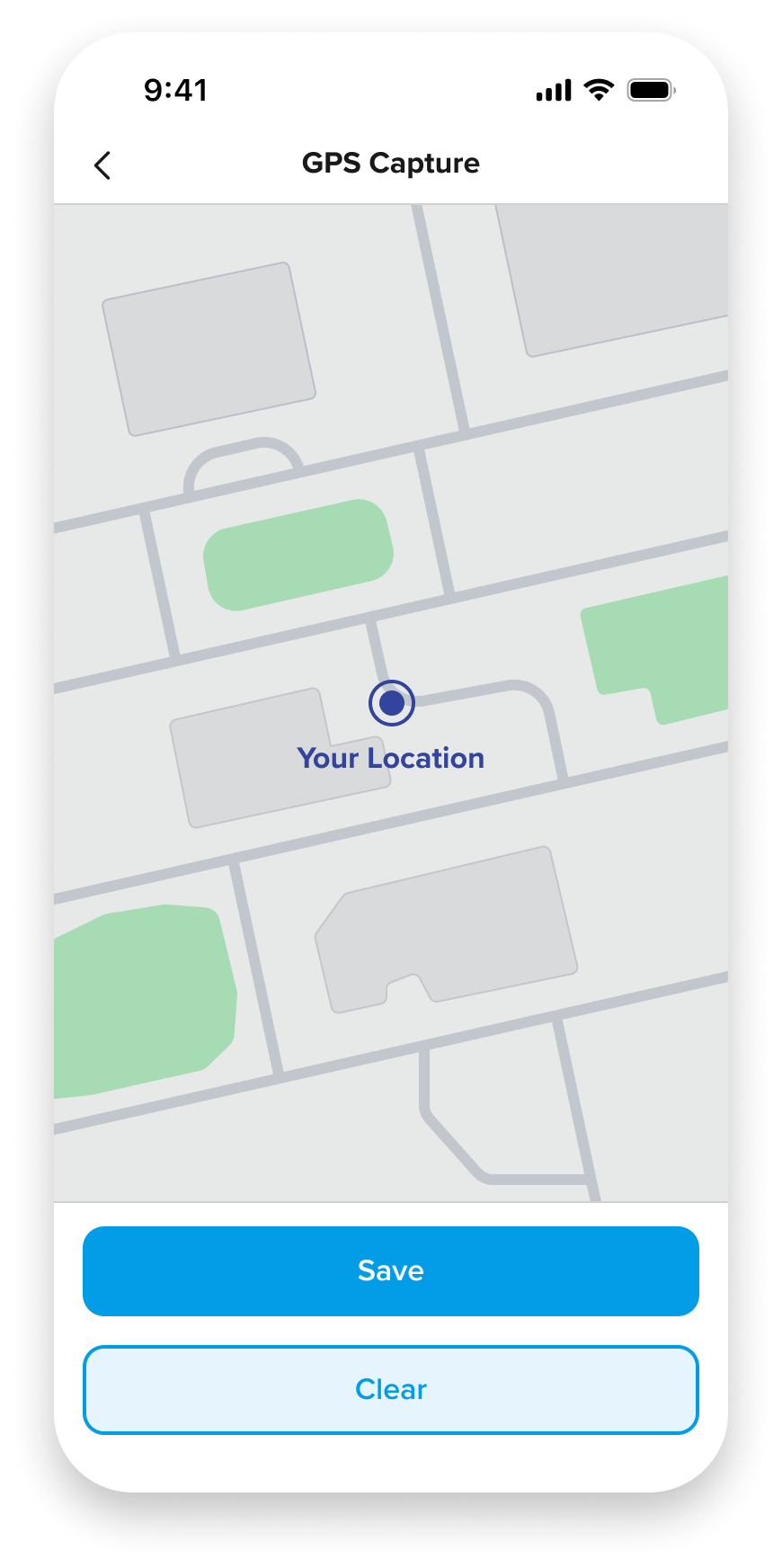
Task-focused tools felt constrained Users reported that embedded maps and barcode scanners were too small for efficient use. Dedicated full-screen experiences improved visibility and task accuracy.
Solution
Designed for Real-World Work
Research showed that users out on the field rarely needed every desktop capability while on-site. Instead, they needed a fast, reliable way to make targeted updates under real-world constraints. The solution focused on simplifying common workflows while preserving the information needed to complete work confidently.
Organize forms by section
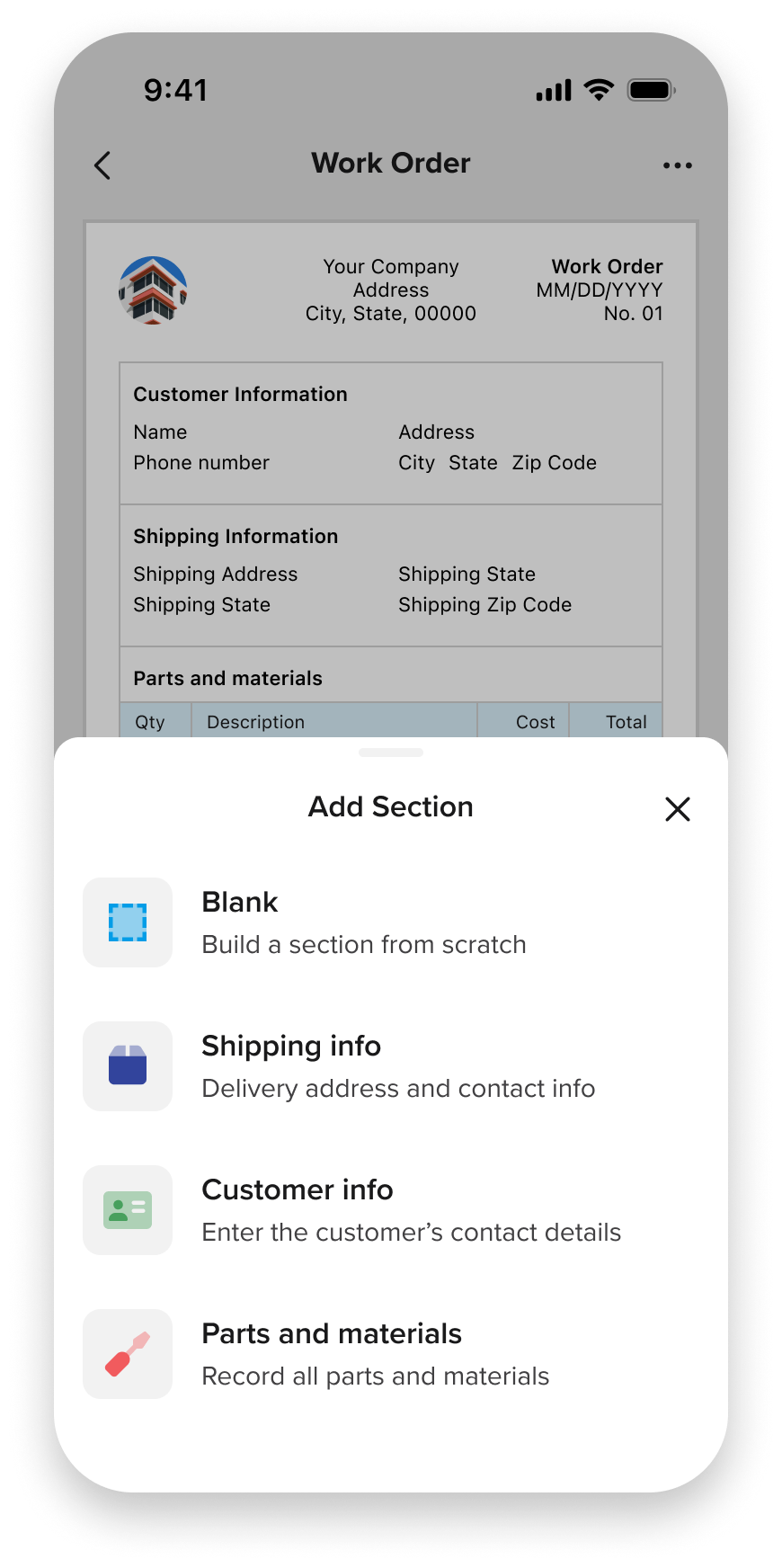
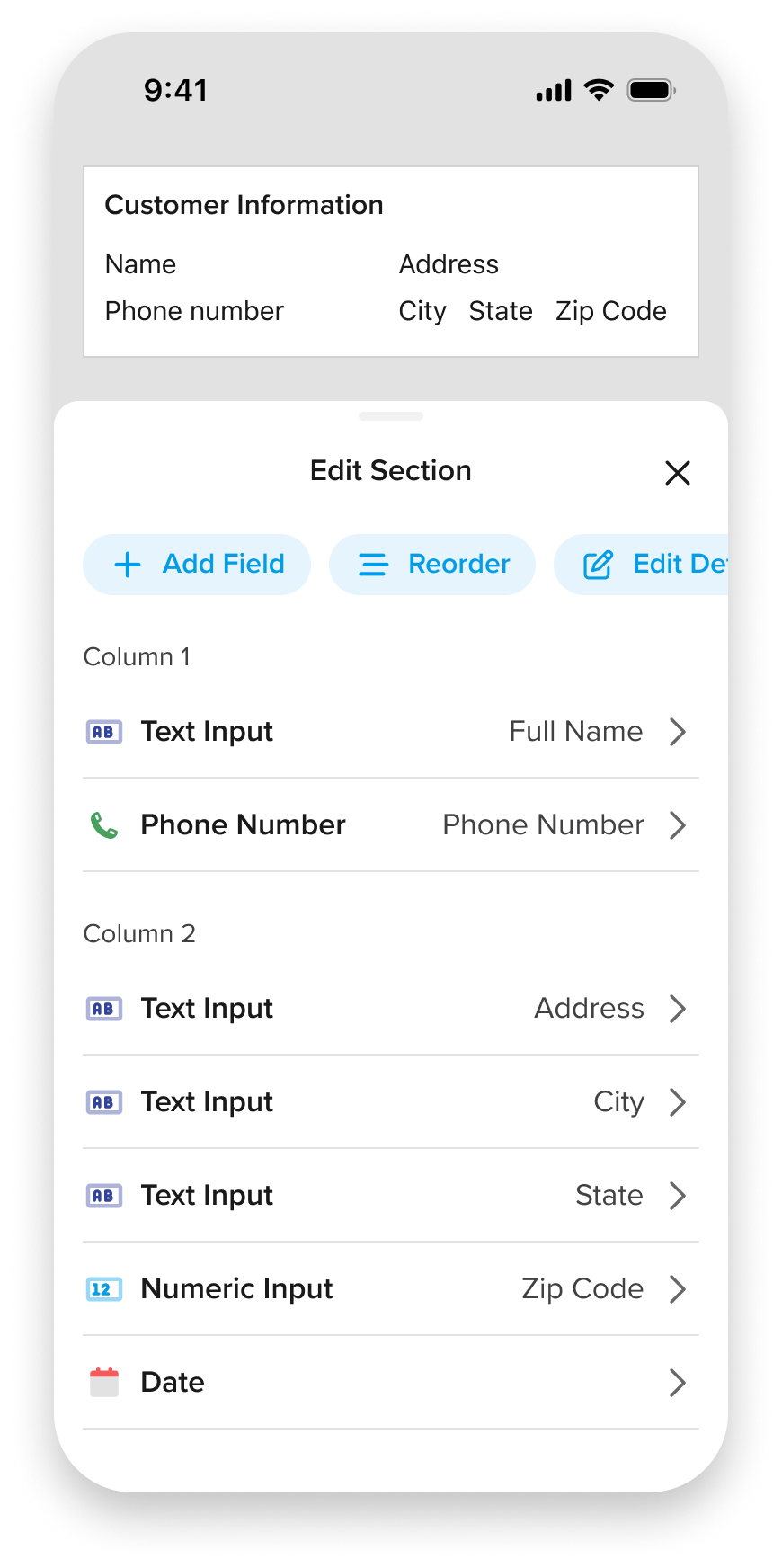
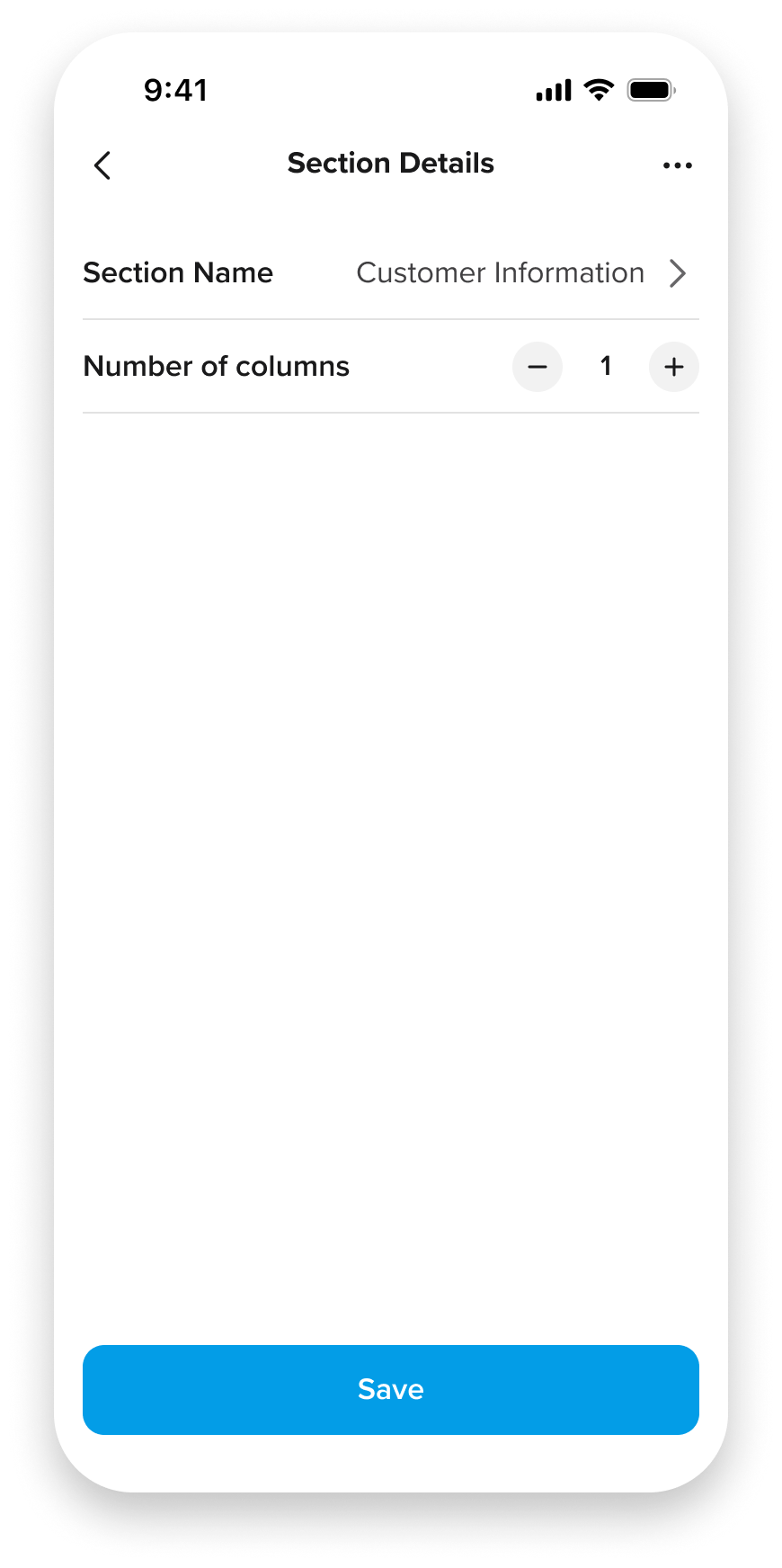
Add and update section names and settings in a focused workflow, allowing operators to make changes quickly without navigating through the entire form.
Add fields
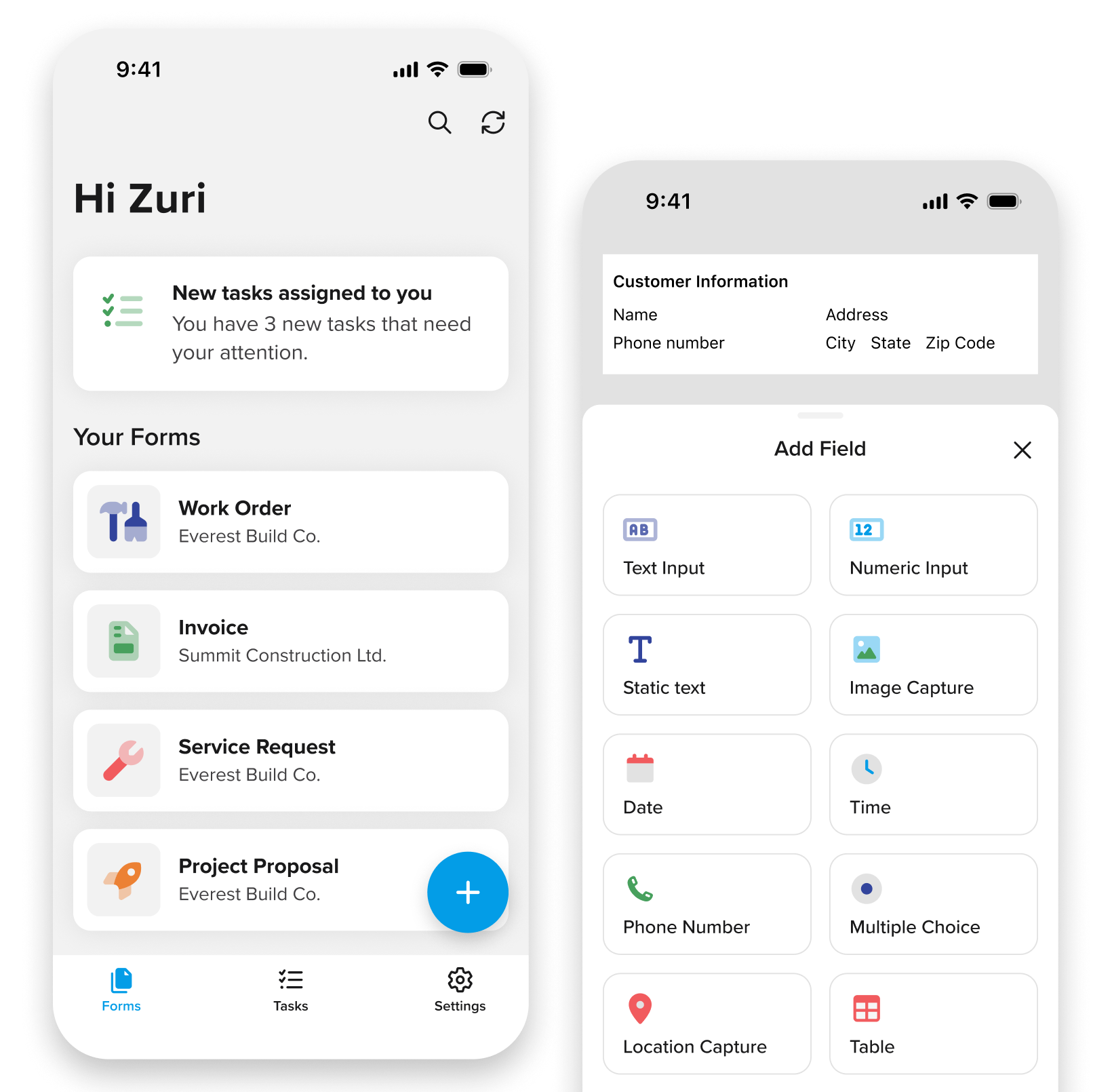
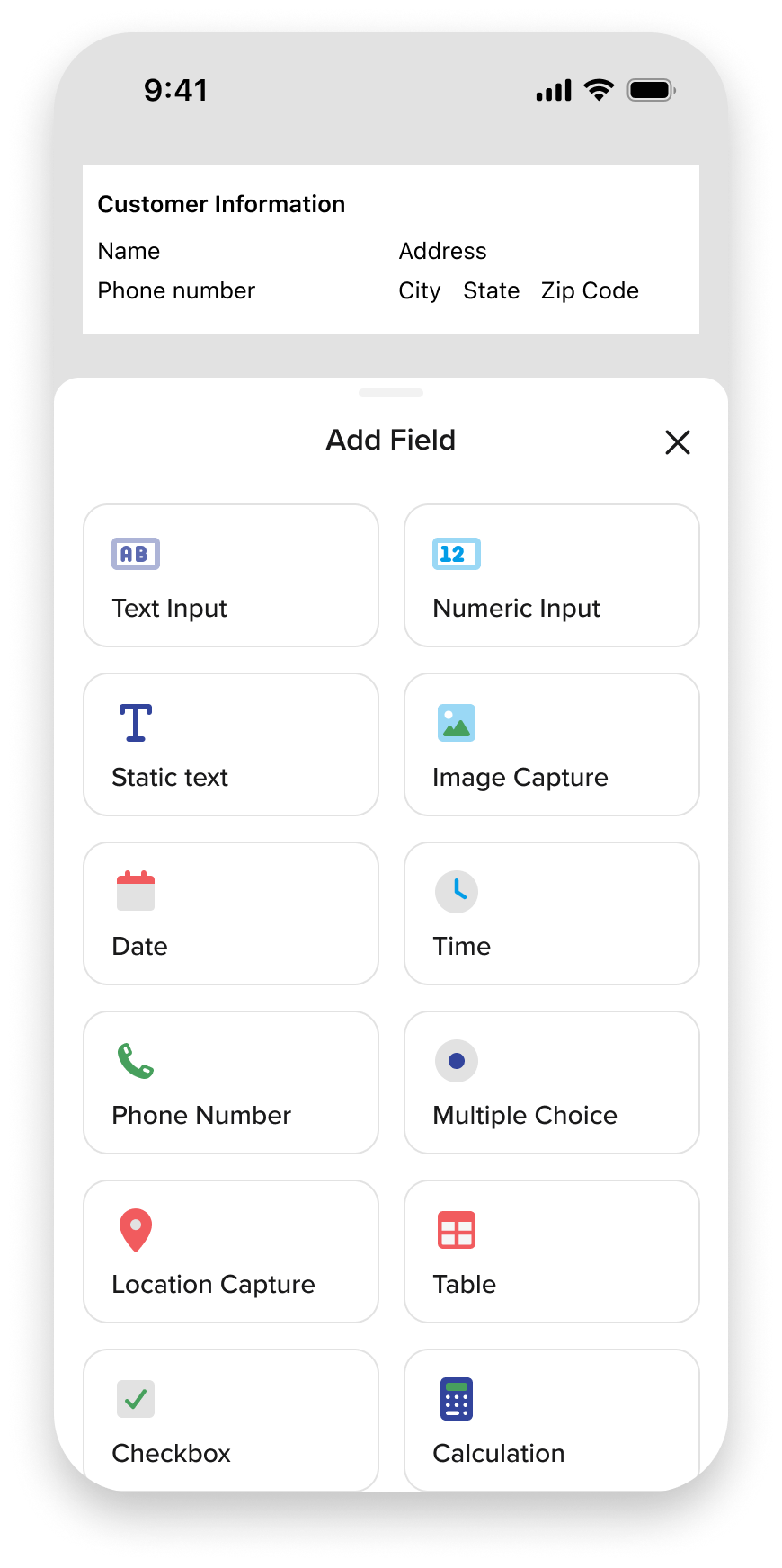
New fields could be added through a dedicated selection experience instead of navigating a complex form builder. Organizing field types into a focused, touch-friendly layout made it easier to build forms from a mobile device.
Reorder fields
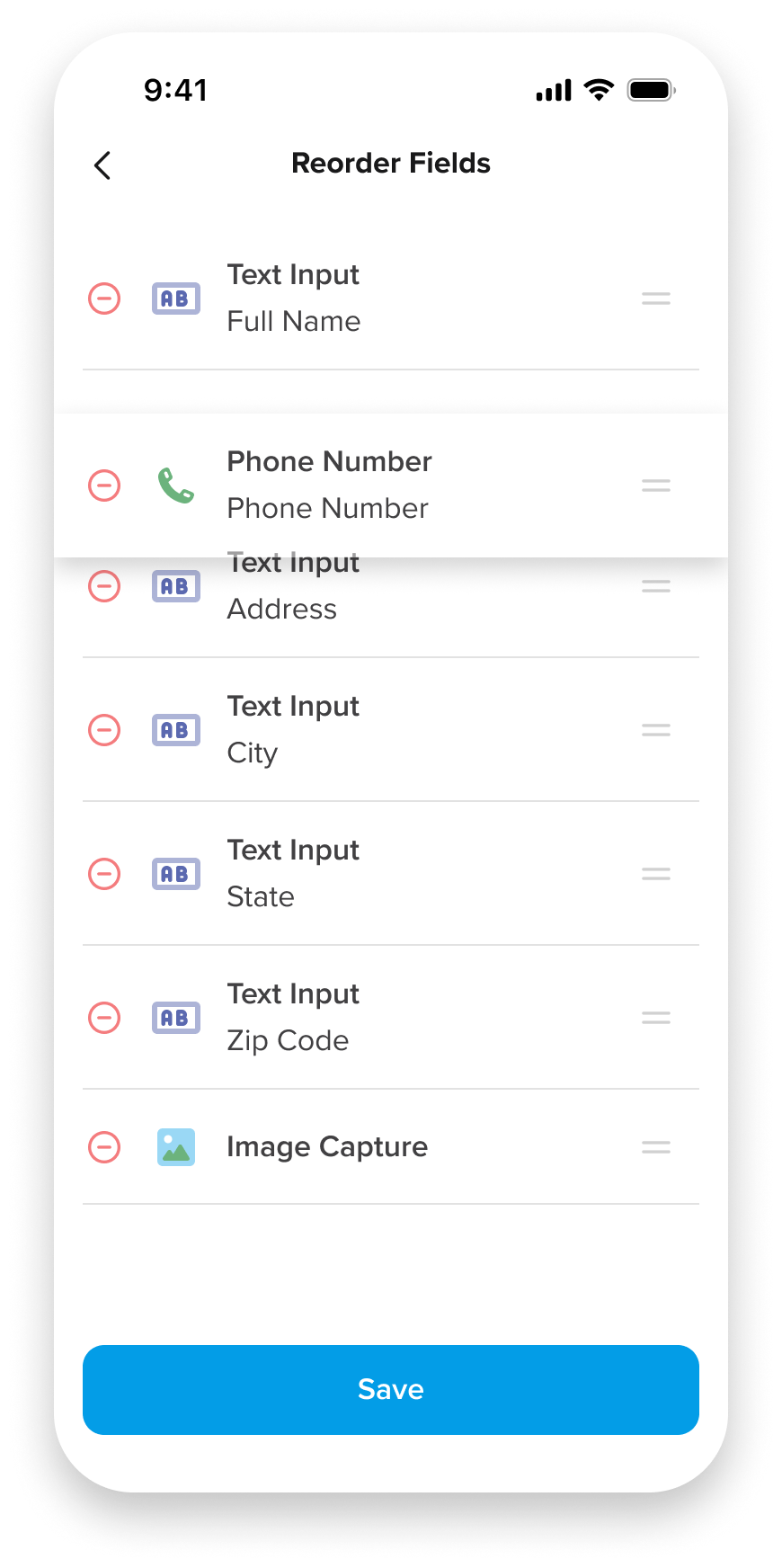
Fields could be reorganized through a simple drag-and-drop interface optimized for touch. Separating layout changes from field editing reduced accidental interactions and made restructuring forms feel more intuitive.
Improve on-site accuracy
User feedback showed that the existing embedded scanner and map views were too small to use effectively in the field. Dedicated full-screen experiences improved visibility, making barcode scanning and GPS capture faster, easier, and more accurate.
Outcome
The mobile form builder shifted form creation and editing from a desktop-only task to something that could be handled directly in the moment. Admin users and permitted field users could now fix issues, update fields, and make adjustments on-site, rather than delaying work or relying on follow-ups.
By prioritizing common editing tasks and designing clear, confidence-building feedback, the experience reduced friction in daily workflows and lowered the risk of errors and rework. Mobile became a more complete and reliable tool for managing forms, better supporting how work actually happened across different environments.